Now in Beta
iOS Application

Action Figure
Inventory

Like a whole 'nother collector in your pocket.

Action Figure Inventory is designed for optimal flexibility. Input as little or as much data on your toys as you like — all fields can be toggled on or off. Track the figures you're after in the Wishlist, document everything you have on pre-order, create CSV backups, bulk import entries, and much more.

Join the Beta →
Action Figure Inventory App — figure detail screen
What It Does

Built for How
Collectors Actually Collect.

Flexible Entry

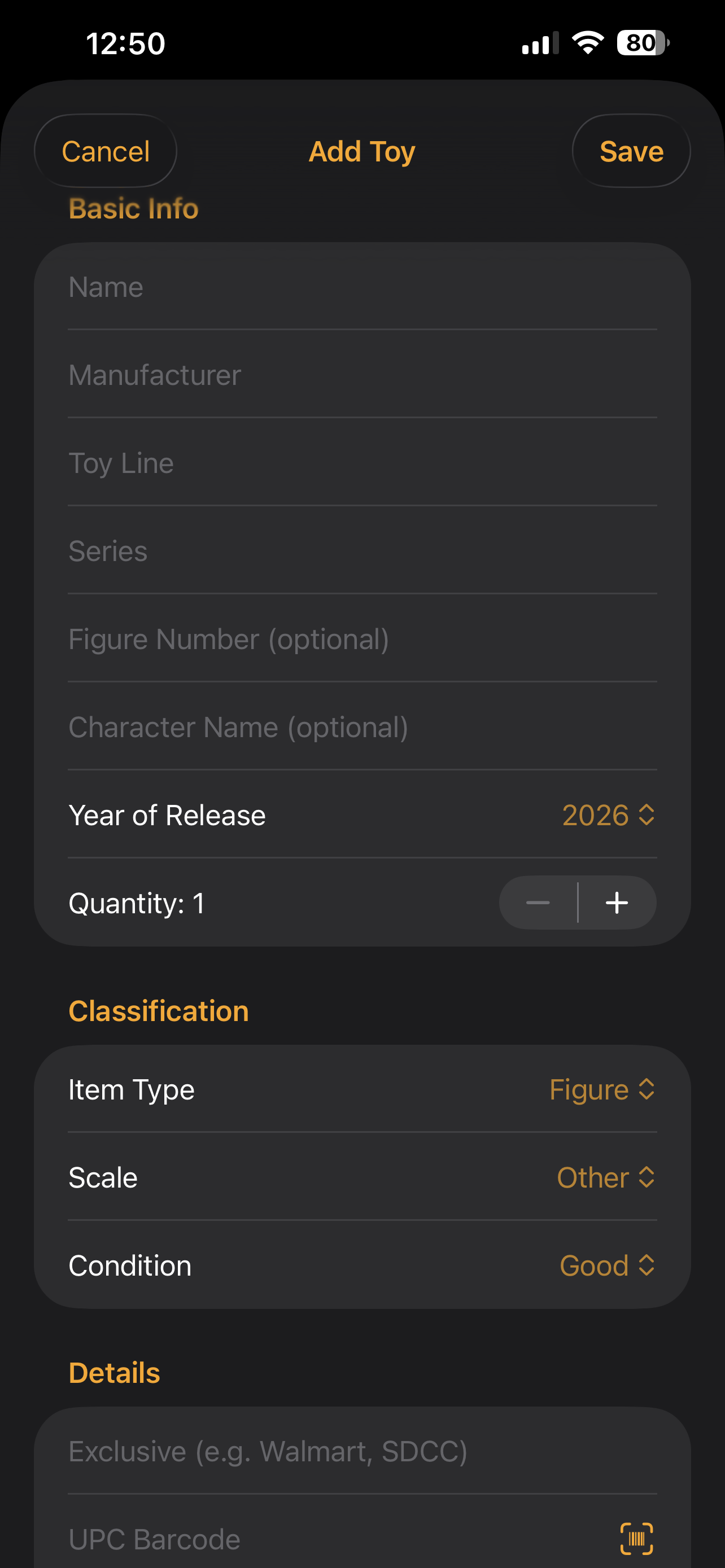
Fill in as much information as you want. Every field is optional — so you can log a quick add or go deep with full details. Connect to eBay to see what the current selling prices for your figures are, right from the entry form.

Wishlist

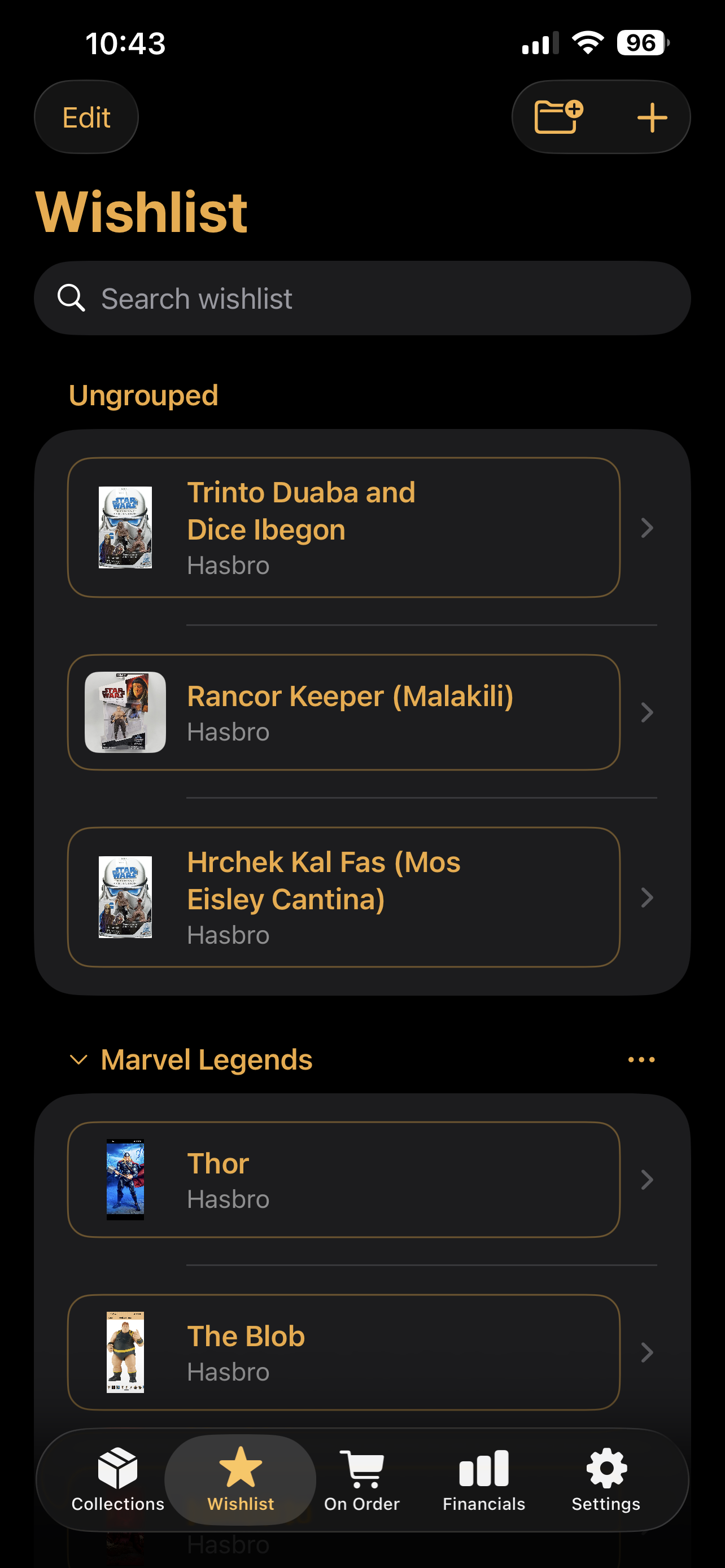
Track the figures you're after. Organize by toy line, manufacturer, or keep them ungrouped — however your brain works.

On Order

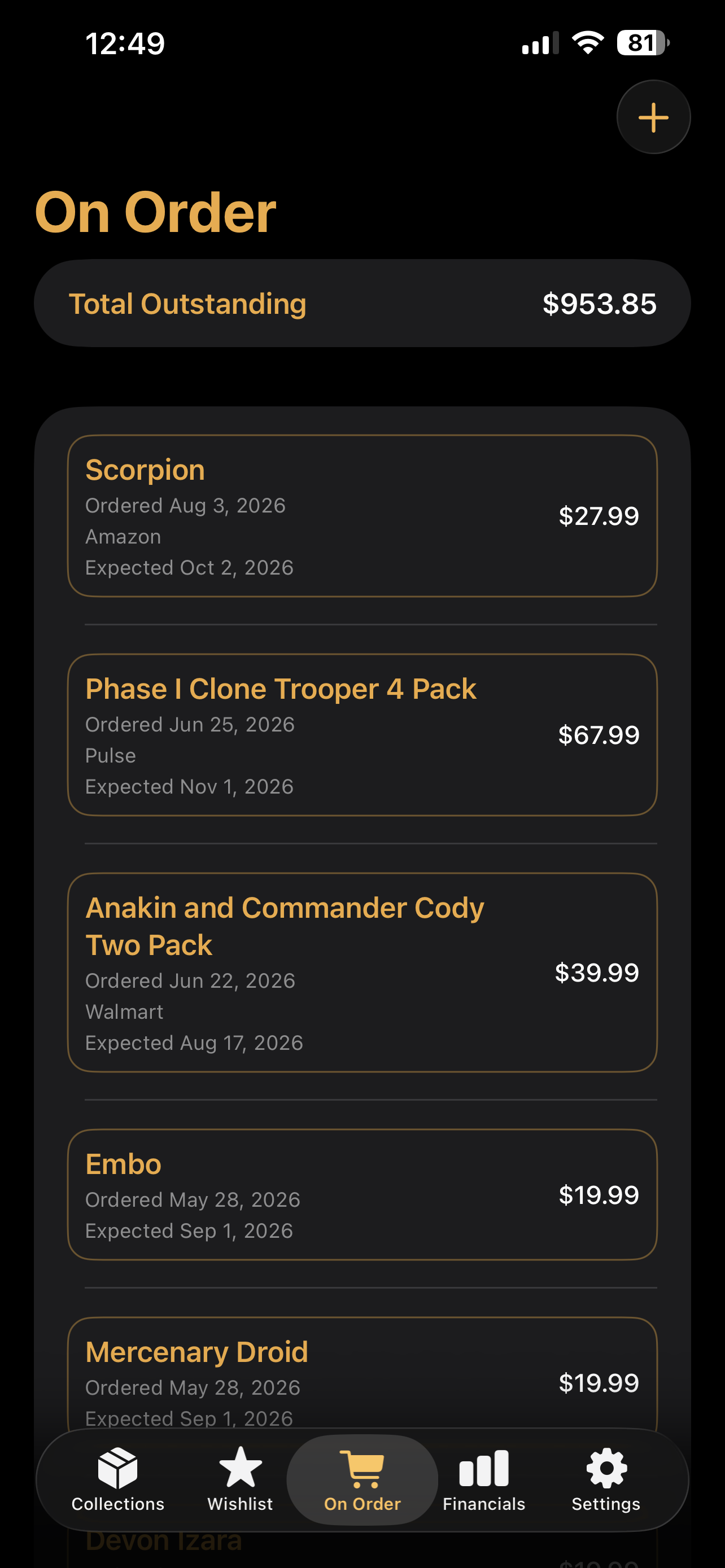
Document pre-orders from Hasbro Pulse, Big Bad Toy Store, or any retailer. See what's coming and what you've got tied up. Sumarizes your upcoming spend by month.

CSV Export

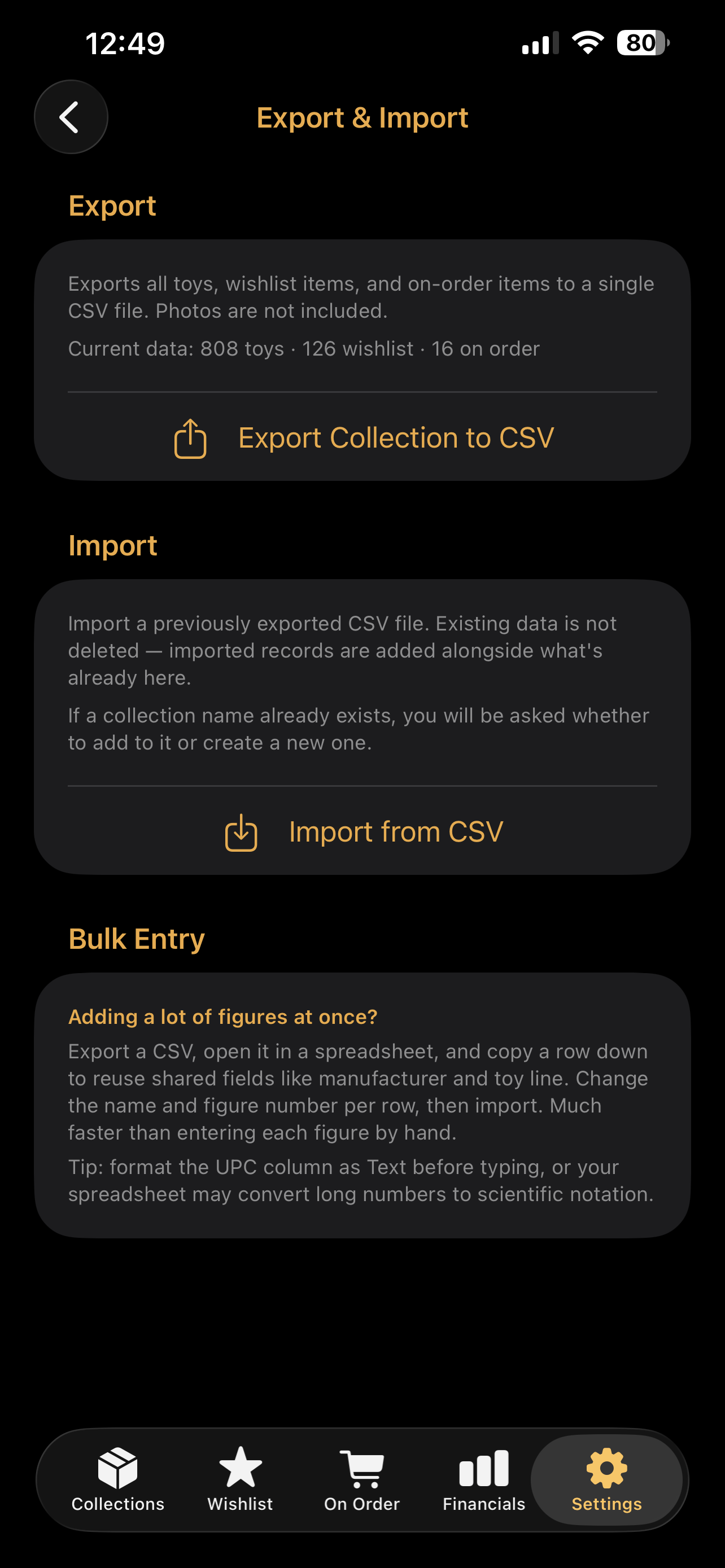
Back up your collection details to a CSV file and save it to your computer. Your data stays yours.

Bulk Import

Have a big collection? Import entries from a CSV instead of entering individually.

Built for iOS

Designed for iPhone. Performance and functionality to match design.

See It in Action

A Look Inside.

Add Toy screen Add a Figure
Wishlist screen Wishlist
On Order screen On Order
Export and Import screen Export & Import
Resources

Tools & Support.

Blank CSV Template

Starting fresh or entering a big collection? Download the blank import template, fill it in a spreadsheet, and import it into AFI in one shot — no manual entry required.

↓ Download Template

⚠️ Important: Before entering UPC barcodes, format that column as Text in your spreadsheet app. Otherwise long numbers get converted to scientific notation and won't work correctly in AFI.

How to Import

New to bulk entry? Here's the fastest path into AFI for a large collection:

  1. Download the blank template above and open it in Excel, Numbers, or Google Sheets.
  2. Format the UPC column as Text before entering any data.
  3. Fill in your figures. Copy a row down to reuse shared fields like manufacturer and toy line — change the name and figure number per row.
  4. Save as CSV and move the file to your iPhone (AirDrop, iCloud Drive, or email it to yourself).
  5. In AFI, open Settings → Export & Import → Import from CSV and select your file.

Support

Questions, bug reports, or feature ideas — we want to hear them. AFI is actively developed and collector feedback directly shapes what gets built next.

Email Support →

You can also reach us at support@transversallabs.com

Beta Program

Want to Be
a Beta Tester?

Action Figure Inventory is currently in Beta and we're looking for collectors to put it through its paces. If you'd like to try it out and help shape it's launch and future, we'd love to have you. Drop your name and email and we'll be in touch with access details.

We won't keep your details or information. All you need is an Apple Account to participate (Also known previously as your Apple ID). Free to use, no commitment. We're looking for new ideas and what features we can add that will make this your go to collectibles app.

Join the Beta

Ready to try it out? Drop us an email and we'll get you set up with TestFlight access.

Request Beta Access →

We'll follow up with TestFlight access details.